
APSGO LOGO
Combination
x1
Total Price:
View Cart
No APPS available
件
Cart
Home Overview TextSeek document keyword search full-text search software
TextSeek
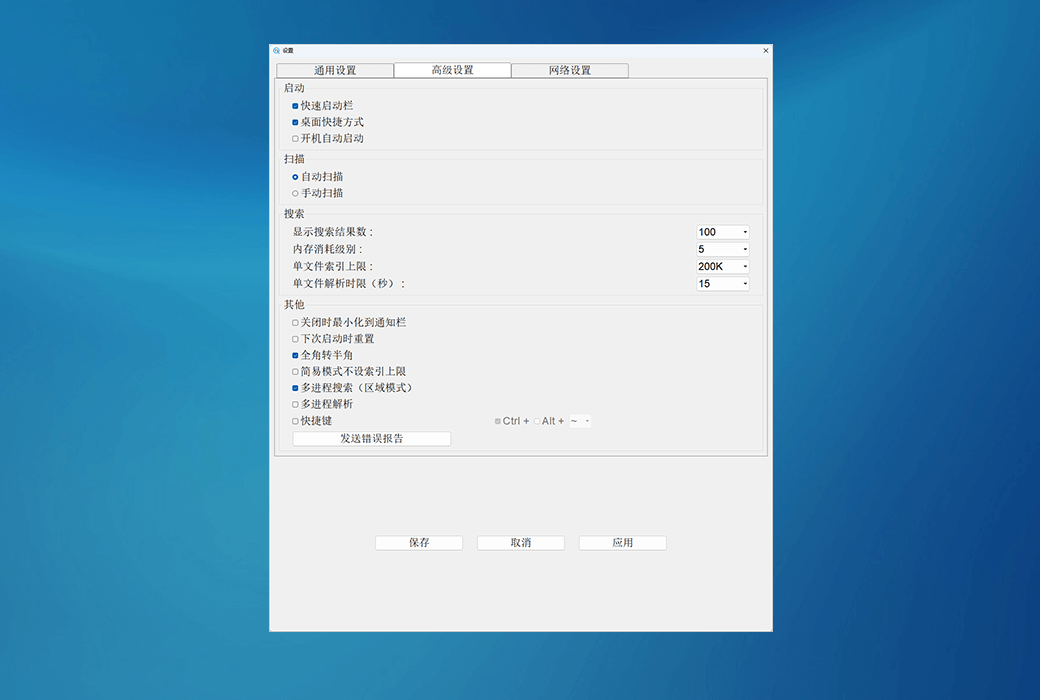
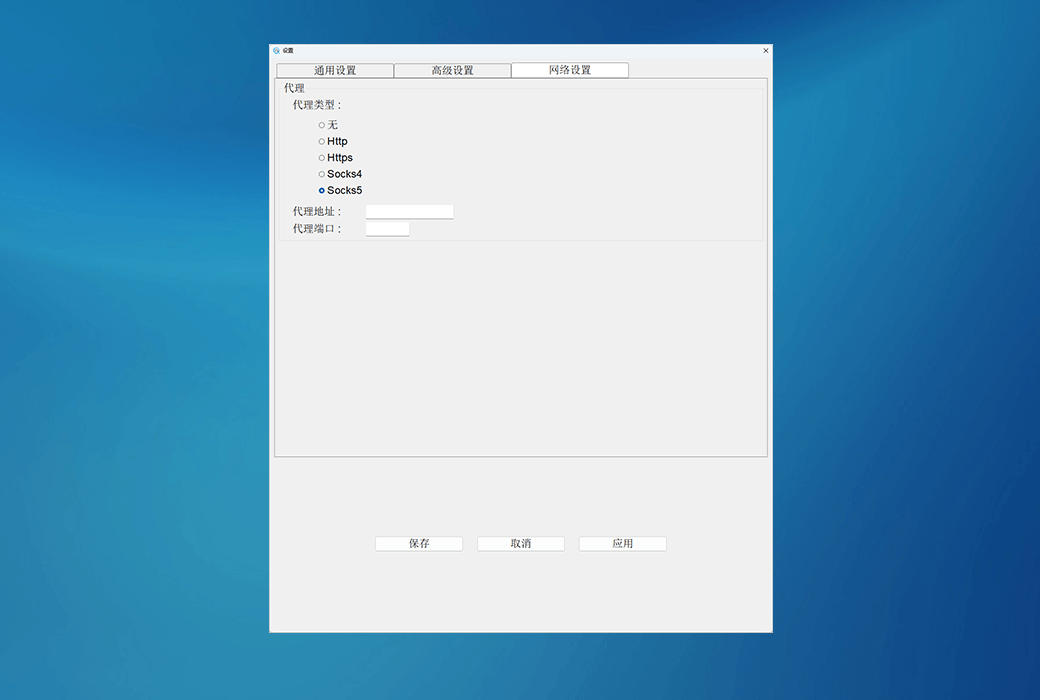
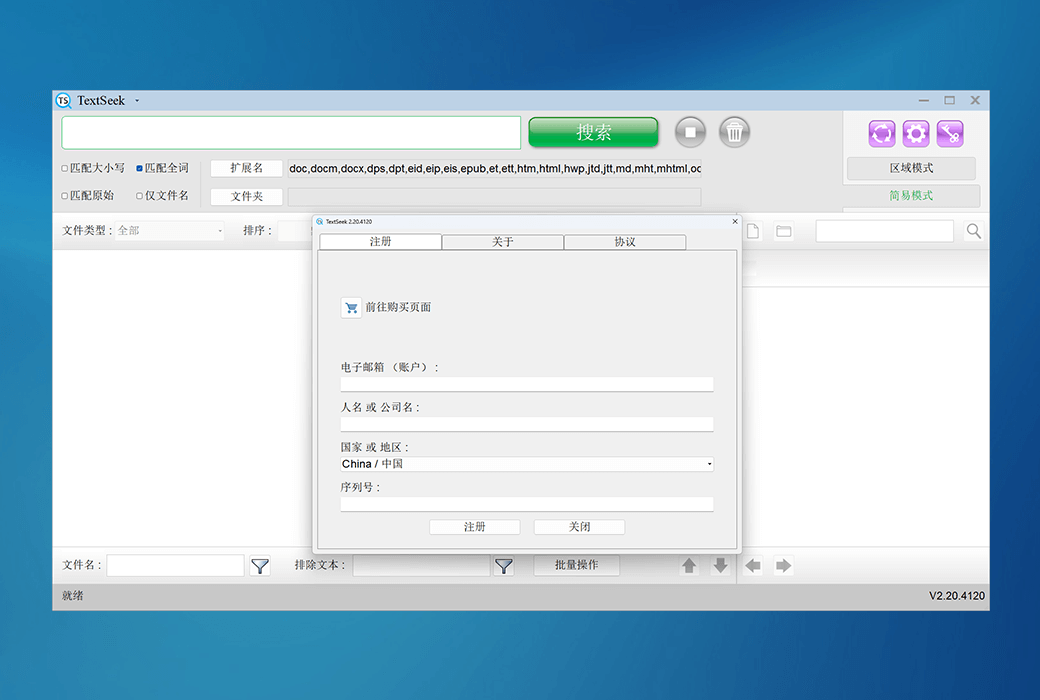
TextSeek document keyword search full-text search software截图 TextSeek document keyword search full-text search software截图 TextSeek document keyword search full-text search software截图 TextSeek document keyword search full-text search software截图 TextSeek document keyword search full-text search software截图 TextSeek document keyword search full-text search software截图 TextSeek document keyword search full-text search software截图 TextSeek document keyword search full-text search software截图 TextSeek document keyword search full-text search software截图 TextSeek document keyword search full-text search software截图 TextSeek document keyword search full-text search software截图
Download
TextSeek document keyword search full-text search software
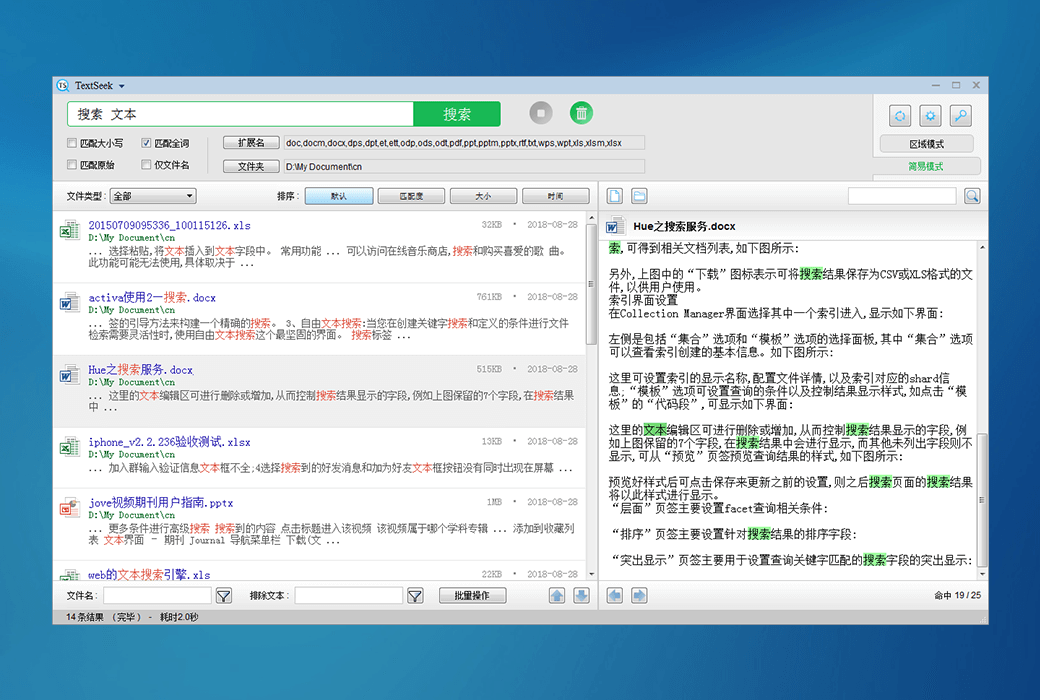
TextSeek uses full-text scanning technology to find all text (without being unable to find it due to segmentation errors) and displays search results like Baidu. The software has good support for Chinese, and the interface supports multiple languages such as Chinese, English, Japanese, Korean, French, German, Arabic, etc.

{{ item.spec_option }}

{{ item.spec }}

System

¥{{ random.sku_info.price }}

Reference price

Bargaining Rules:
1、Activity time : cease when sold out。
2、This product supports bargaining times for each ID:3 次
3、Each product only supports one successful negotiation, with an additional one for annual membership fees.
4、 After successful negotiation, pay the order according to the negotiated amount.
Reference price: ¥{{ random.sku_info.price }}
The number of bargaining attempts has been exhausted Successfully negotiated! Go place an order! Price negotiation completed I Want to Haggle
{{ item }} ({{ app.qa.questionsData.total }})

How TextSeek Works


Efficient and precise search

Full text search for each Chinese and English character


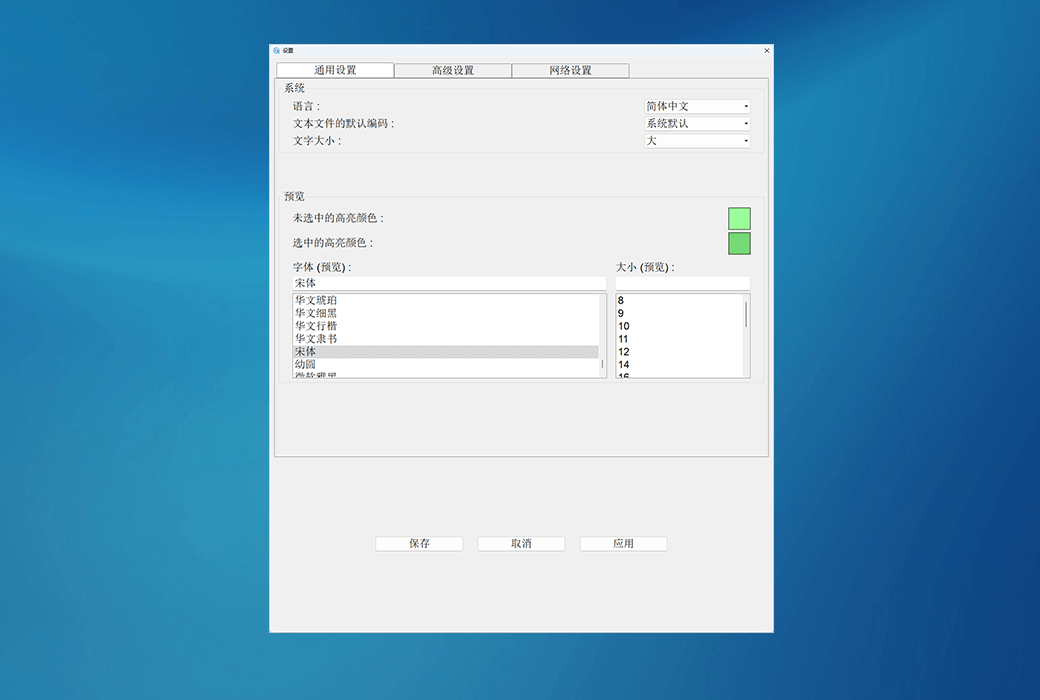
When Windows' default search takes a long time to search and ultimately tells you that it was not found, or even some files are not found right under your nose, it often makes people very angry. By introducing advanced technology, TextSeek can solve such problems. It uses full text scanning technology to find all the text (not lost due to segmentation errors) and displays search results like Baidu. The software has good support for Chinese, and the interface supports 14 languages including Chinese, English, Japanese, Korean, French, German, Arabic, etc.


Support for various documents

Searchable file names and specific content


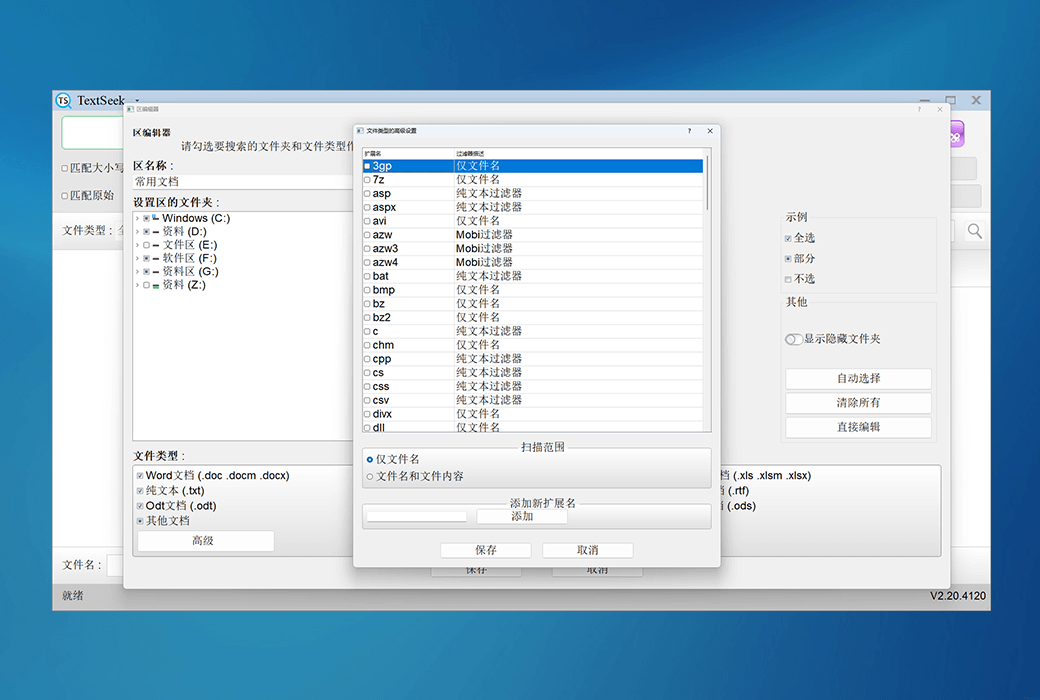
TextSeek supports multiple document formats, including Word, Excel, Powerpoint, PDF, WPS, OFD, and more. All format parsing is integrated into TextSeek, without the need to install additional packages. Unlike other desktop search tools, the file name of the document and all text content are integrated into the search engine to avoid text omissions.


Ultimate search experience

Customize search scope


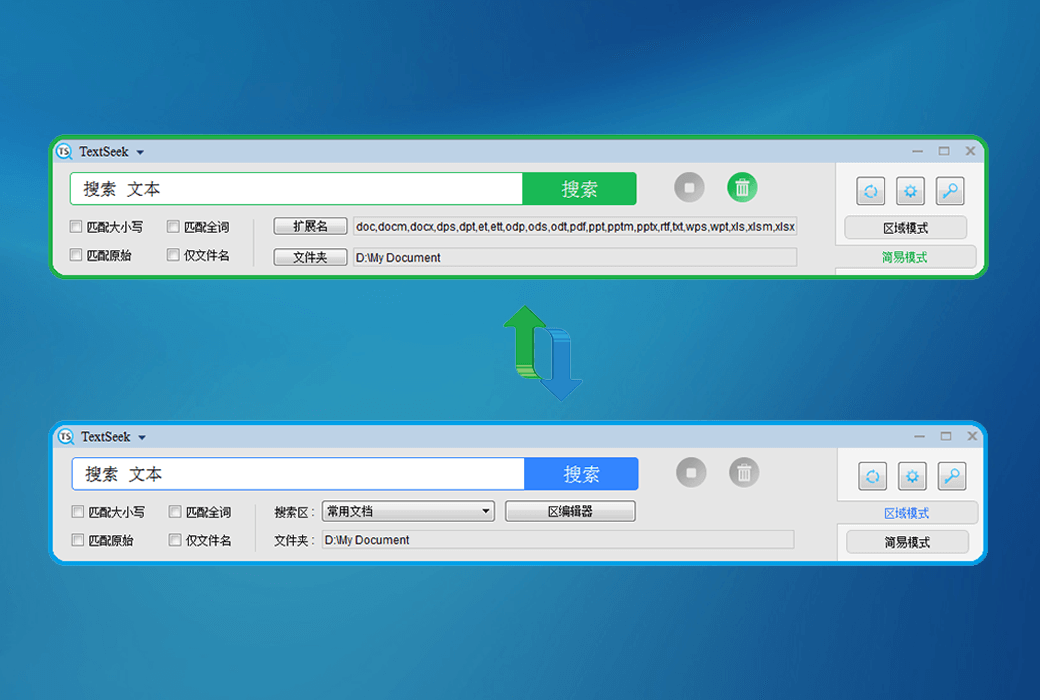
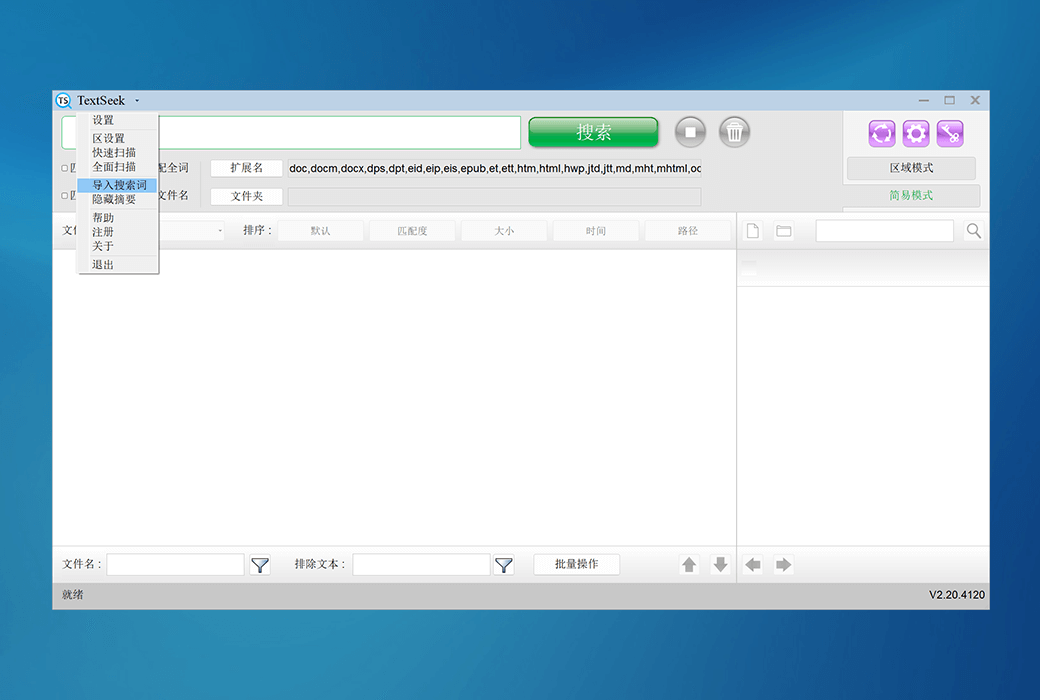
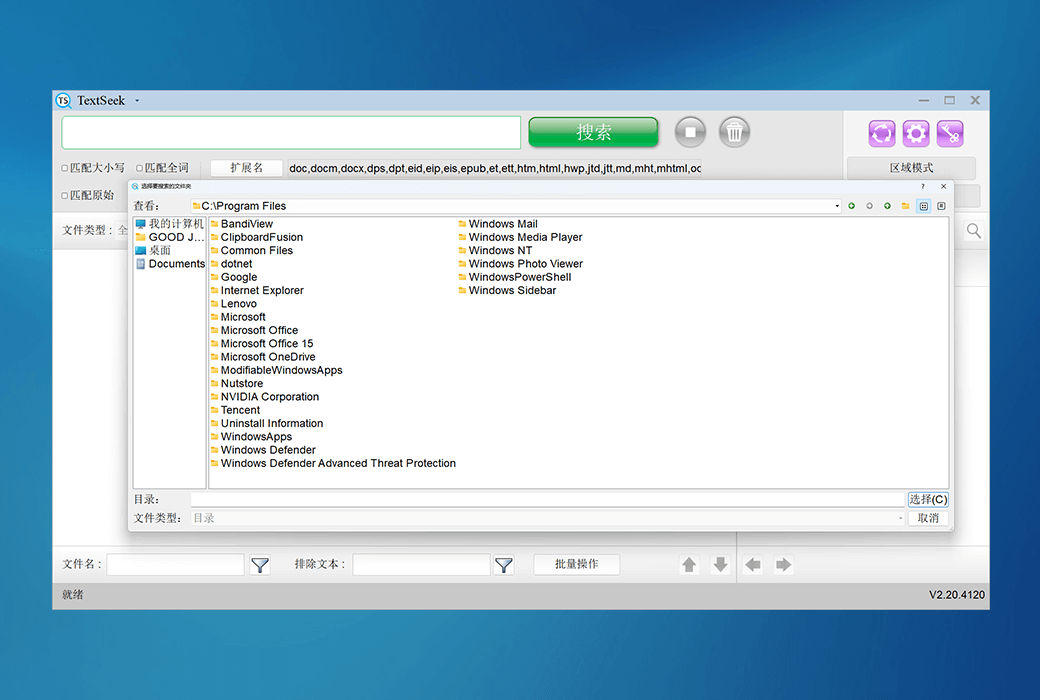
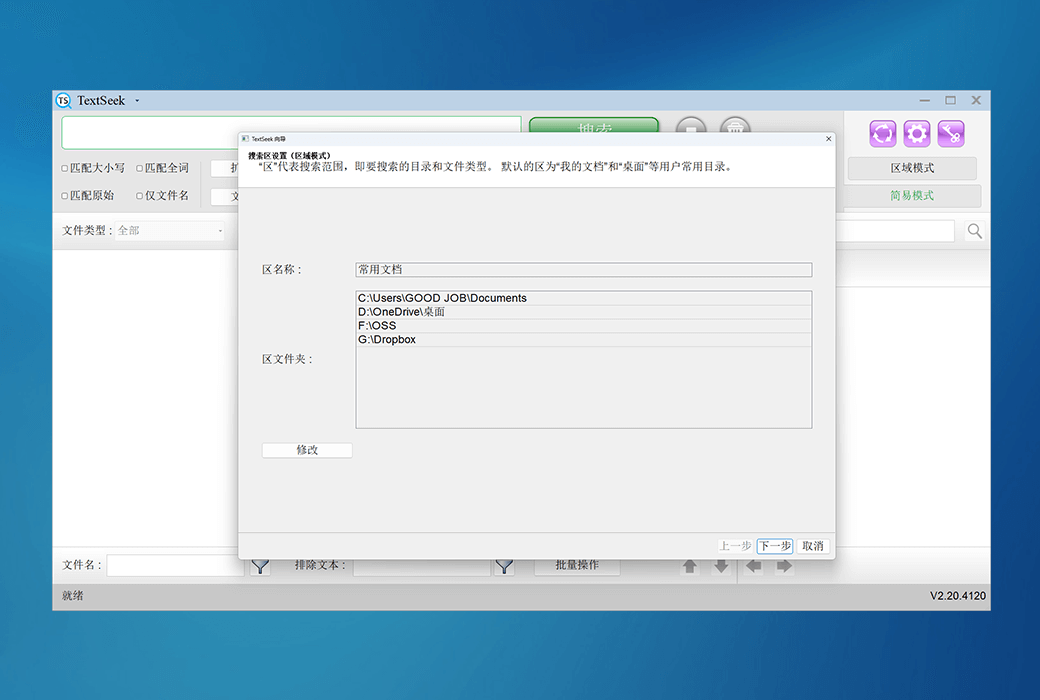
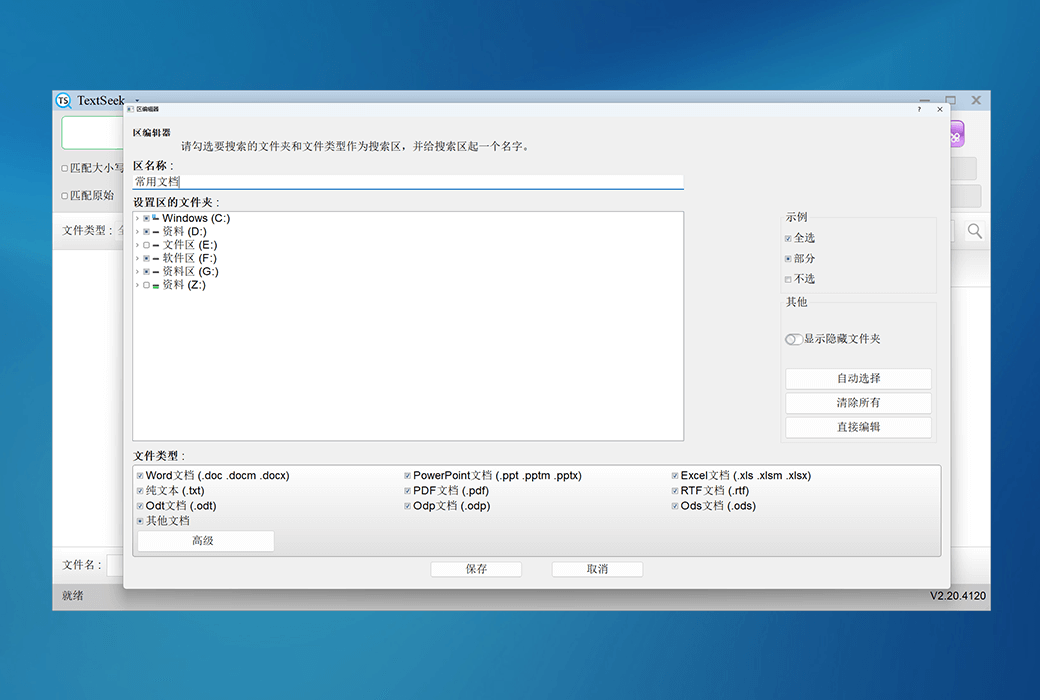
In TextSeek, you can specify directories to be indexed to speed up searches (in regional mode), or search directly without indexes (in simple mode). In addition, TextSeek provides four sorting methods and multiple filters to improve search accuracy, and also supports quick browsing of search results through shortcuts. Its functions also include regular expression search, keyword highlighted summaries, and previews, which are beneficial for users to more efficiently locate the desired text.

Official Website: https://www.textseek.net/

Download Center: https://textseek.apsgo.cn

Delivery Time: Automatic delivery within 24 hours

Operating Platforms: Windows, macOS, UOS

Interface Language: Supports Chinese interface display, with multiple languages available.

Update Instructions: Subscription licenses are used and updated within the validity period, while lifetime licenses support minor version updates (v2.x).

Trial Before Purchase: 30-day free trial.

How to Receive the Product: After purchase, activation information will be sent to the email used for ordering. You can also view the corresponding product activation code in your personal center, under "My Orders".

Number of Devices: Personal license: Can be installed on 2 computers. Commercial license: 1 computer.

Changing Computers: Uninstall on the original computer and activate on the new one.

Activation Guide: Run the software > Click the "Key" icon in the upper right corner > Enter the serial number to activate.

Special Instructions: To be added.

References: https://www.textseek.net/cn/help.htm

Ask a question
All FAQ Activate Unknown Tutorial Default Newest
TextSeek document keyword search full-text search software截图 TextSeek document keyword search full-text search software截图 TextSeek document keyword search full-text search software截图 TextSeek document keyword search full-text search software截图 TextSeek document keyword search full-text search software截图 TextSeek document keyword search full-text search software截图 TextSeek document keyword search full-text search software截图 TextSeek document keyword search full-text search software截图 TextSeek document keyword search full-text search software截图 TextSeek document keyword search full-text search software截图 TextSeek document keyword search full-text search software截图

Bargaining

Reference price: ¥{{ random.sku_info.price }}
Let's go~~ (Surplus {{ random.surplus_num }} times)
Pay and leave