

APSGO LOGO
Combination
x1
Total Price:
View Cart
No APPS available
件
Cart
Home Overview ApowerMirror is a software for controlling the same screen of a projection computer
ApowerMirror 傲软投屏
ApowerMirror is a software for controlling the same screen of a projection computer截图 ApowerMirror is a software for controlling the same screen of a projection computer截图 ApowerMirror is a software for controlling the same screen of a projection computer截图 ApowerMirror is a software for controlling the same screen of a projection computer截图 ApowerMirror is a software for controlling the same screen of a projection computer截图 ApowerMirror is a software for controlling the same screen of a projection computer截图 ApowerMirror is a software for controlling the same screen of a projection computer截图 ApowerMirror is a software for controlling the same screen of a projection computer截图
Download
ApowerMirror is a software for controlling the same screen of a projection computer
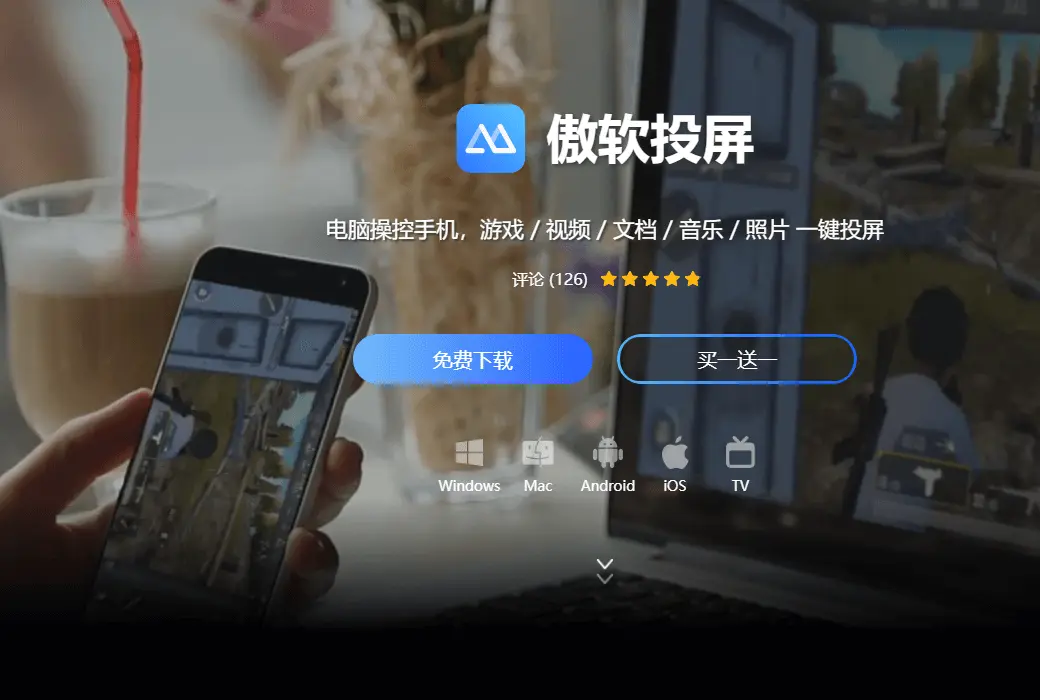
A one screen software that is compatible with both iOS and Android systems, supporting use on both Windows and Mac. As long as your Android system is 5.0 or above and supports the Chromecast protocol, you can experience unlimited Android on-screen fun.

{{ item.spec_option }}

{{ item.spec }}

System

¥{{ random.sku_info.price }}

Reference price

Bargaining Rules:
1、Activity time : cease when sold out。
2、This product supports bargaining times for each ID:4 次
3、Each product only supports one successful negotiation, with an additional one for annual membership fees.
4、 After successful negotiation, pay the order according to the negotiated amount.
Reference price: ¥{{ random.sku_info.price }}
The number of bargaining attempts has been exhausted Successfully negotiated! Go place an order! Price negotiation completed I Want to Haggle
{{ item }} ({{ app.qa.questionsData.total }})

Aoruan Projection Screen

Computer controlled mobile phone, wireless large screen experience.


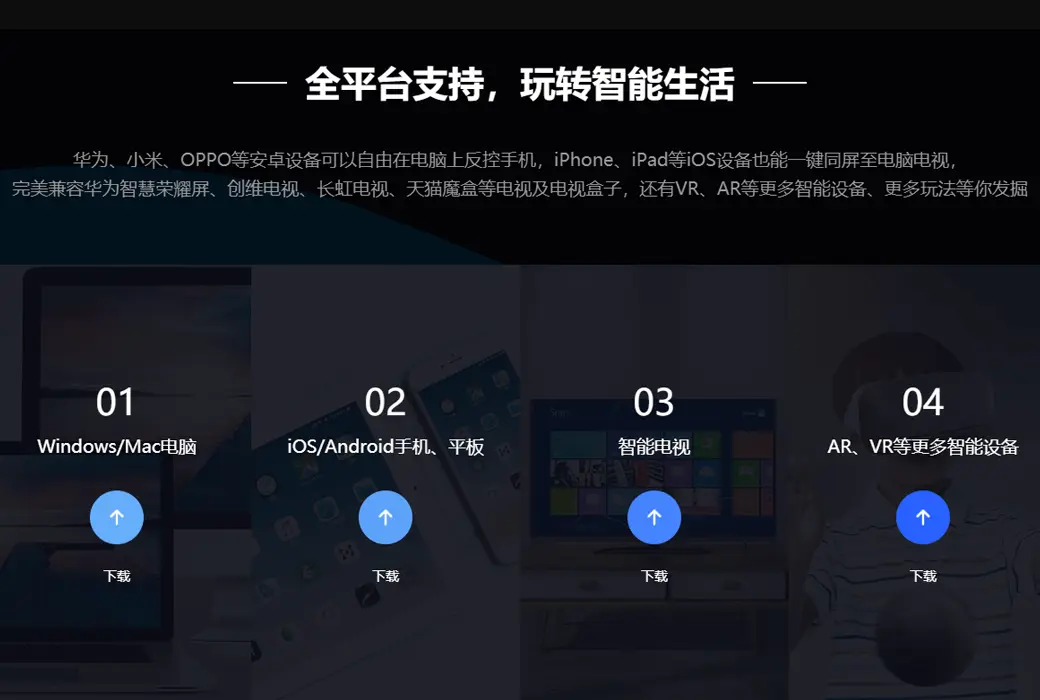
Support for multi-platform use

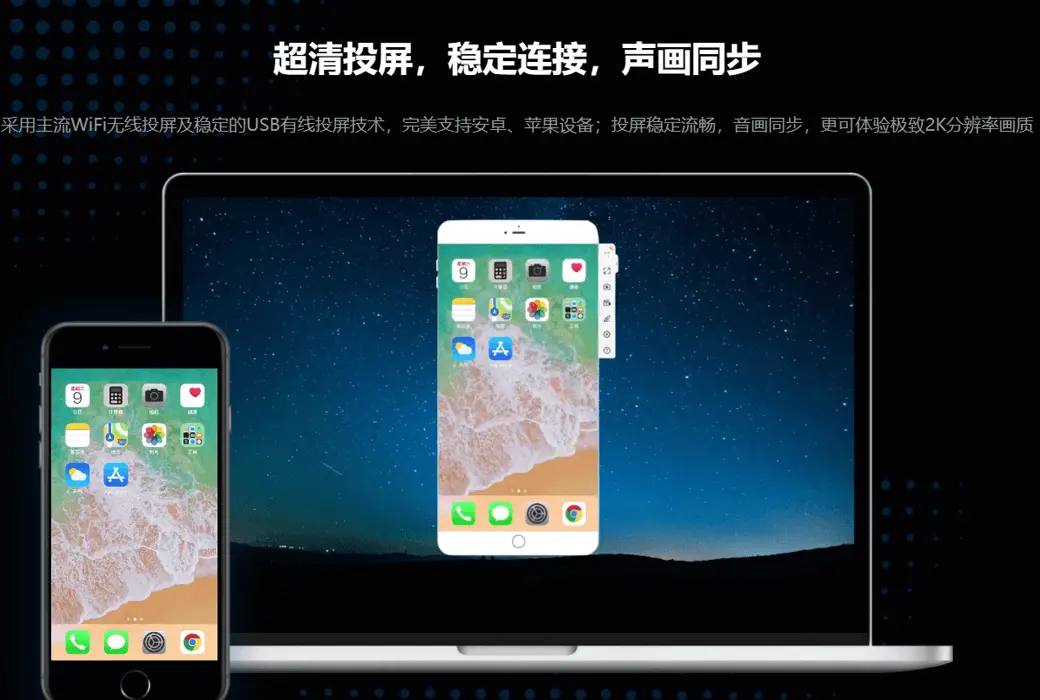
ApowerMirror is a one screen software that is compatible with both iOS and Android systems, and supports use on both Windows and Mac. As long as your Android system is 5.0 or above and supports the Chromecast protocol, you can experience unlimited Android on-screen fun. For iOS users, using this software, they only need to turn on AirPlay to project their phone screen onto their computer.


Enjoy a large screen experience

Using ApowerMirror, you can wirelessly project videos, photos, and other media images played on your phone onto your computer, enjoying a large screen visual experience!


Computer controlled Android phones

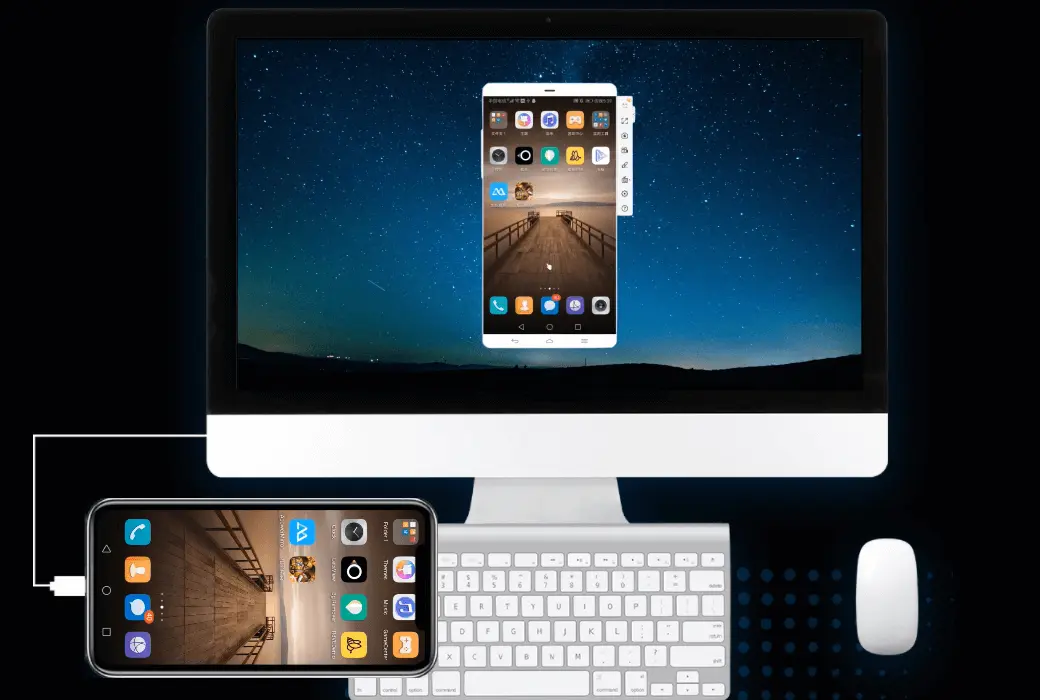
ApowerMirror supports users to control Android phones on their computers: you can input WeChat, QQ, WhatsApp, LINE, or SMS content using the mouse and keyboard on the computer. Android game players can play mobile games on their computers without the need for an Android emulator without a ROOT!


New screen recording experience

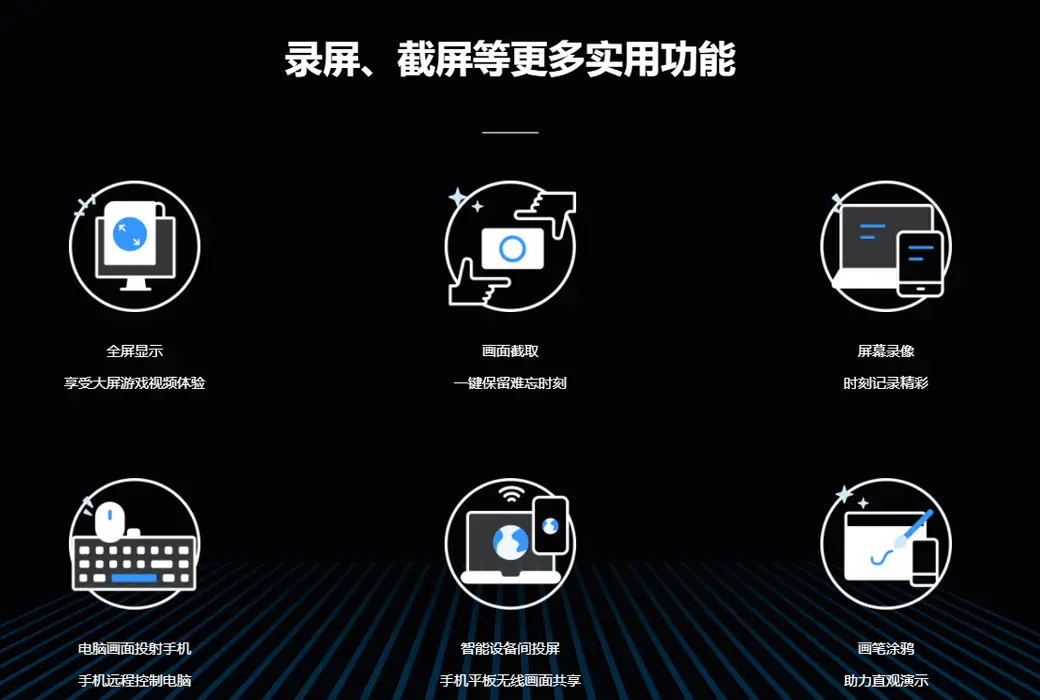
Another feature of ApowerMirror is its ability to capture and record phone screen images. Compared with other similar apps, its connection method is simpler, the screen recording image quality is clearer, and the experience is smoother.

Official website:https://www.apowersoft.cn/phone-mirror

Download Center:https://apowermirror.apsgo.cn

Backup Download:N/A

Delivery time:24-hour automatic shipping

Operating Platform:Windows、macOS、Android、iOS

Interface language:Supports Chinese interface display and multiple language options.

Update Description:The software manufacturer promises permanent use and free updates.

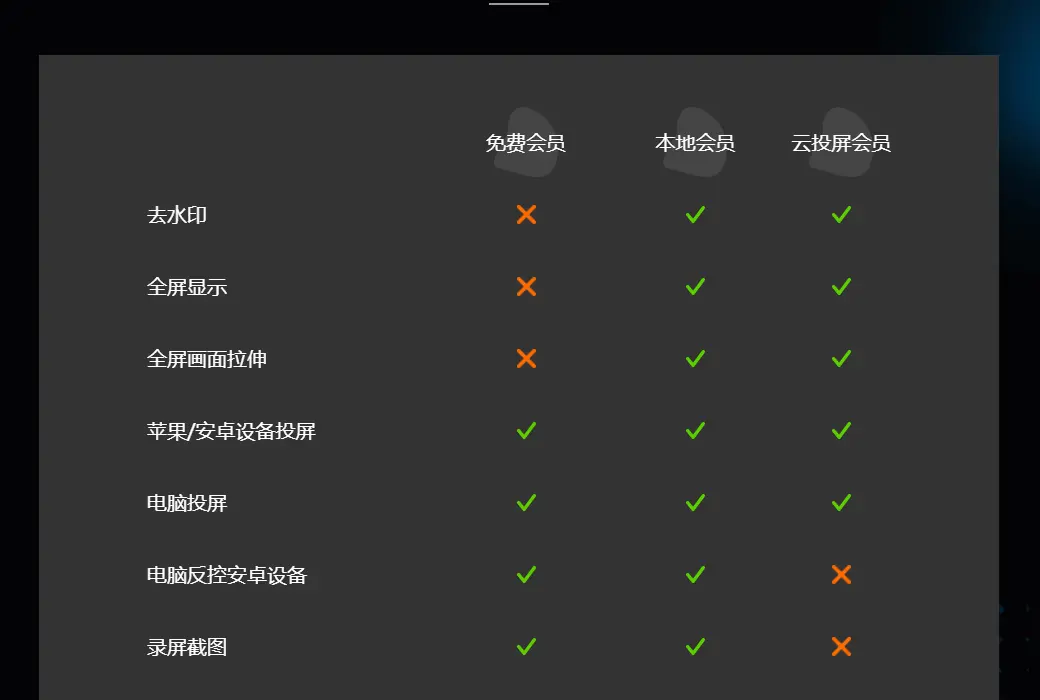
Trial before purchase:Before purchase, the free version with restricted features can be used.

How to receive goods:After purchase, the activation information will be sent to the email address at the time of placing the order, and the corresponding product activation code can be viewed in the personal center, My Orders.

Number of devices:You can log in to this account on multiple computers. However, you can only use the product on one computer at a time.

Replace computer:Uninstall the original computer and activate the new computer.

Activation guidance:On PC devices,Open Software>; Login Account>; Click on 'Activate VIP' on the account page>; Enter the activation code to activate.

Special note:To be added.

reference material:https://www.apowersoft.cn/phone-mirror

Ask a question
All FAQ Tricks Default Newest
ApowerMirror is a software for controlling the same screen of a projection computer截图 ApowerMirror is a software for controlling the same screen of a projection computer截图 ApowerMirror is a software for controlling the same screen of a projection computer截图 ApowerMirror is a software for controlling the same screen of a projection computer截图 ApowerMirror is a software for controlling the same screen of a projection computer截图 ApowerMirror is a software for controlling the same screen of a projection computer截图 ApowerMirror is a software for controlling the same screen of a projection computer截图 ApowerMirror is a software for controlling the same screen of a projection computer截图

Bargaining

Reference price: ¥{{ random.sku_info.price }}
Let's go~~ (Surplus {{ random.surplus_num }} times)
Pay and leave