APSGO LOGO
Combination
x1
Total Price:
View Cart
No APPS available
件
Cart
Home Overview Macs Fan Control controls the fan tool software on Apple computers
Macs Fan Control
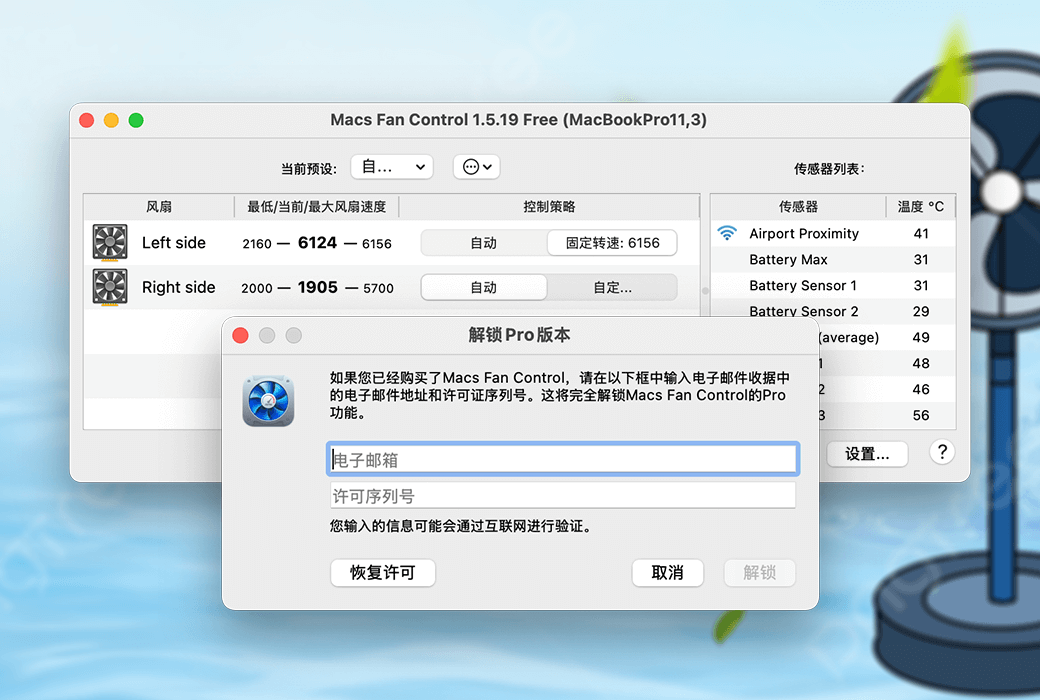
Macs Fan Control controls the fan tool software on Apple computers截图 Macs Fan Control controls the fan tool software on Apple computers截图 Macs Fan Control controls the fan tool software on Apple computers截图 Macs Fan Control controls the fan tool software on Apple computers截图 Macs Fan Control controls the fan tool software on Apple computers截图 Macs Fan Control controls the fan tool software on Apple computers截图 Macs Fan Control controls the fan tool software on Apple computers截图 Macs Fan Control controls the fan tool software on Apple computers截图 Macs Fan Control controls the fan tool software on Apple computers截图
Download
Macs Fan Control controls the fan tool software on Apple computers
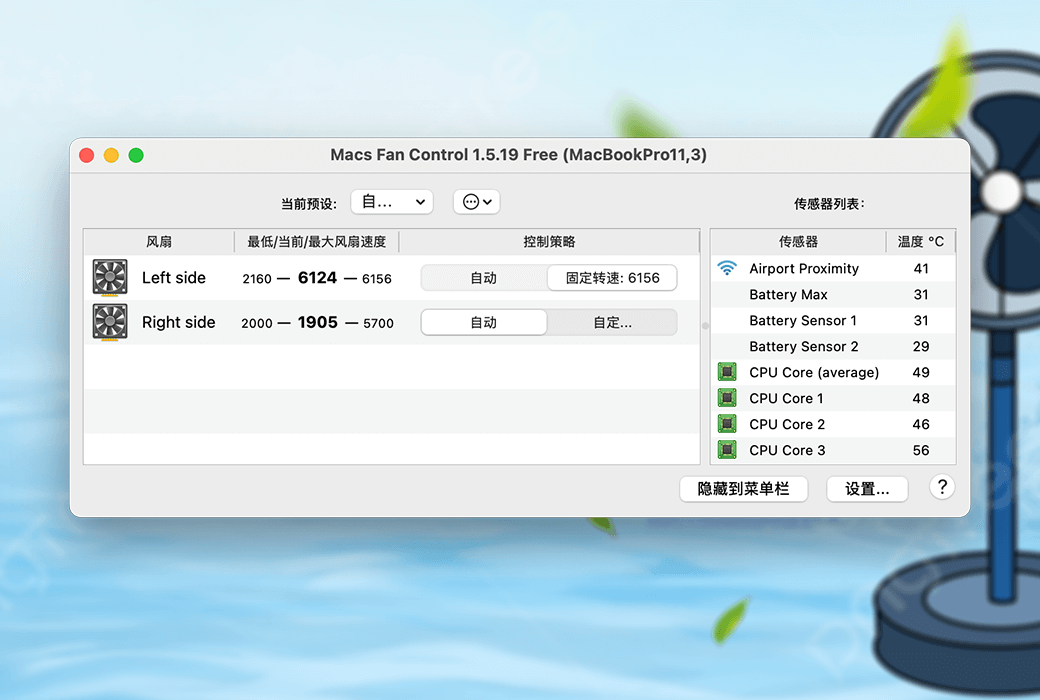
Macs Fan Control controls the fans on Apple computers, monitoring fan speed and temperature in real-time. Resolve noise issues, such as those caused by replacing iMac hard drives. Resolve overheating issues, such as those found on MacBook Pro.

{{ item.spec_option }}

{{ item.spec }}

System

¥{{ random.sku_info.price }}

Reference price

Bargaining Rules:
1、Activity time : cease when sold out。
2、This product supports bargaining times for each ID:4 次
3、Each product only supports one successful negotiation, with an additional one for annual membership fees.
4、 After successful negotiation, pay the order according to the negotiated amount.
Reference price: ¥{{ random.sku_info.price }}
The number of bargaining attempts has been exhausted Successfully negotiated! Go place an order! Price negotiation completed I Want to Haggle
{{ item }} ({{ app.qa.questionsData.total }})

Control the fan on an Apple computer


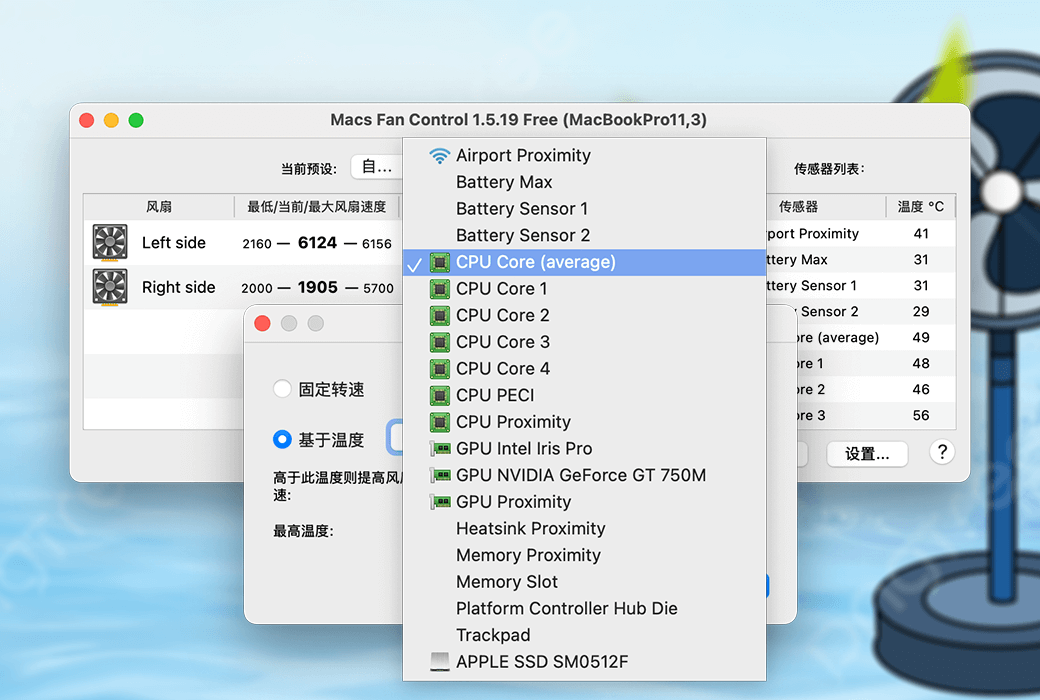
  1. Real time monitoring of fan speed and temperature.
  2. Resolve noise issues, such as those caused by iMac hard drive replacement.
  3. Resolve overheating issues, such as those found on MacBook Pro.


Monitor and control fans on Apple computers


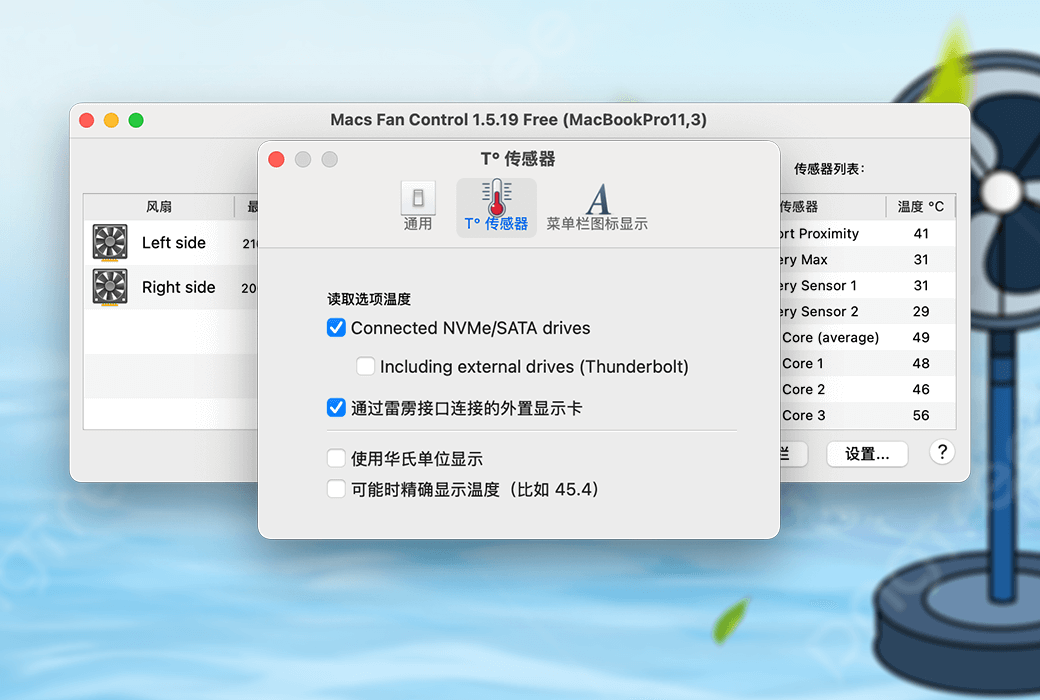
  1. Real time monitoring of fan speed and temperature sensors, including third-party hard drives/SSDs (using S.M.A.R.T.).
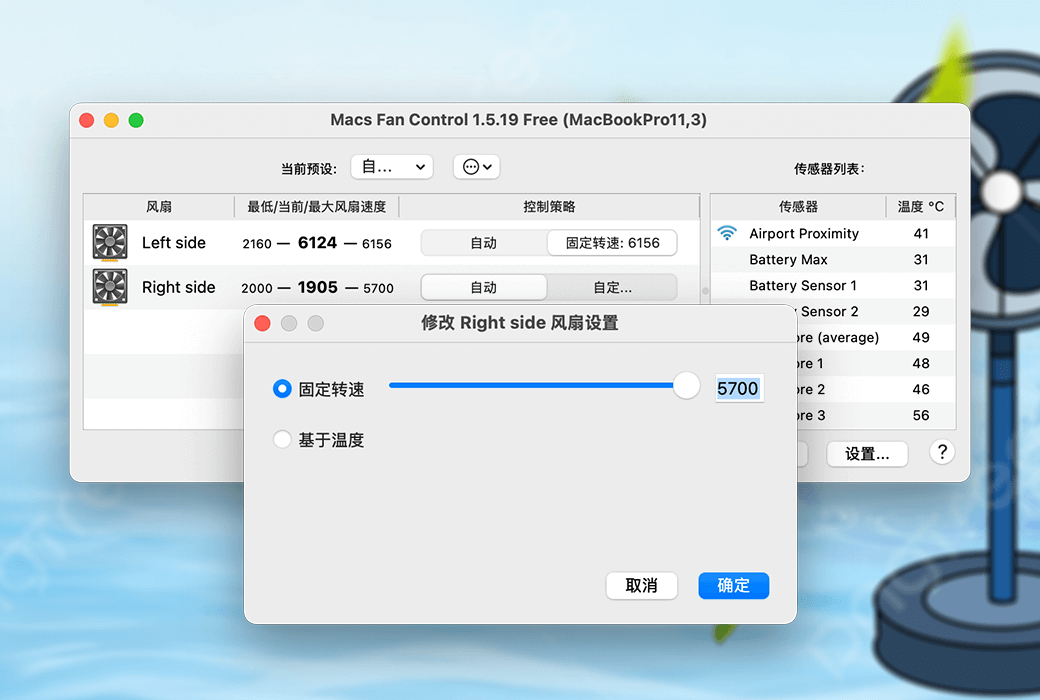
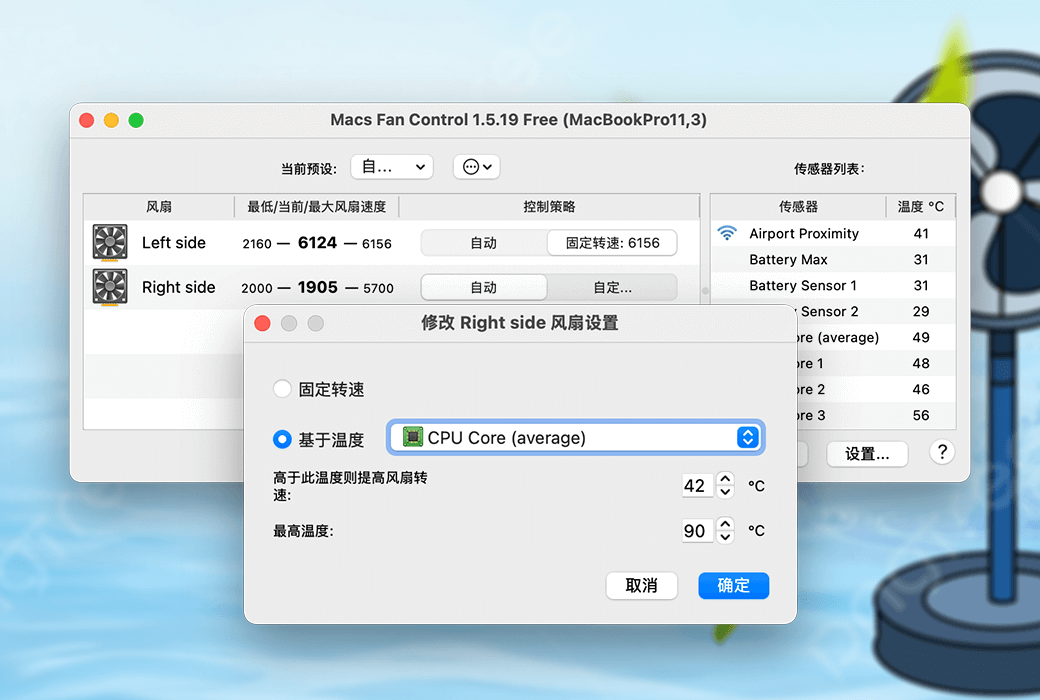
  2. Set custom RPM values (revolutions per minute) or control fan speed relative to temperature sensors (such as third-party hard drives).
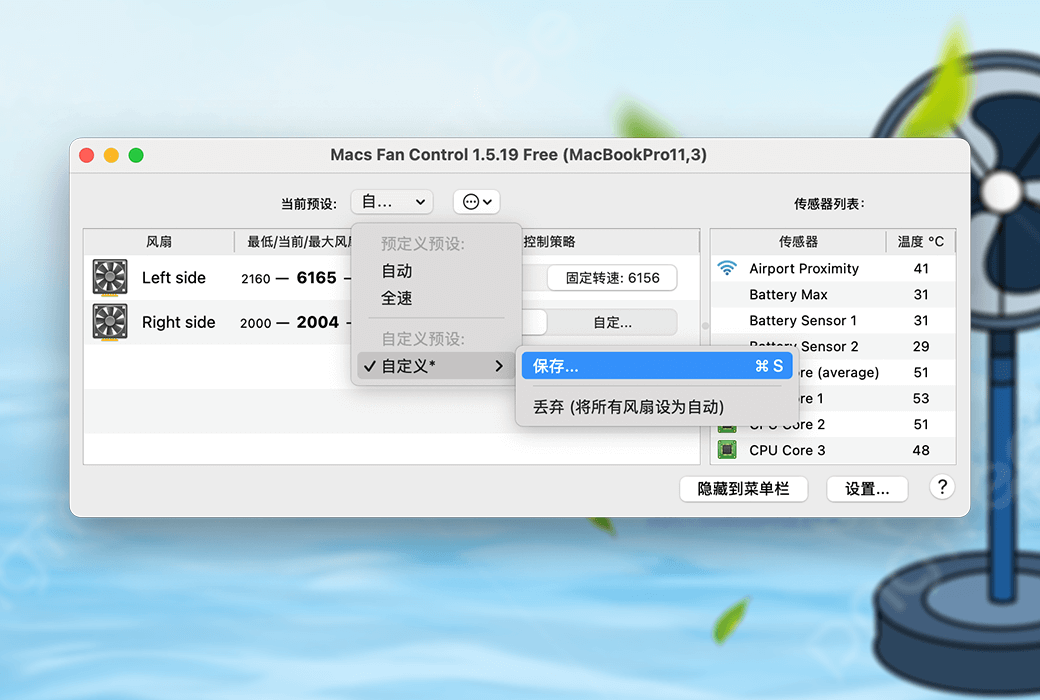
  3. Create and save custom fan presets so that you can quickly switch between them based on your activity.
  4. Also works on Windows 10/8/7/Vista/XP installation through Boot Camp dual system, even in modern models equipped with T2 chips.


Fan control and preset

The fan on an Apple computer can be controlled by oneself


  1. Automatic: The fan is automatically controlled by the system (Apple's default solution). When all fans are automatically controlled by the system, the application operates in monitoring only mode.
  2. Custom: The fan is controlled by the application. It can be some constant speed values (such as 1500 RPM) or sensor based control (such as related to CPU PECI sensors).


For convenience, the application features fan presets that allow you to quickly put your fan into automatic or some custom mode, depending on your activity. You can read more about fan presets here.


When the Mac fan control exits, it always restores all fans back to automatic (auto preset).

Official website:https://crystalidea.com/macs-fan-control

Download Center:https://macs-fan-control.apsgo.cn

Backup Download:N/A

Delivery time:24-hour automatic shipping

Operating platform:Windows (Boot Camp), macOS

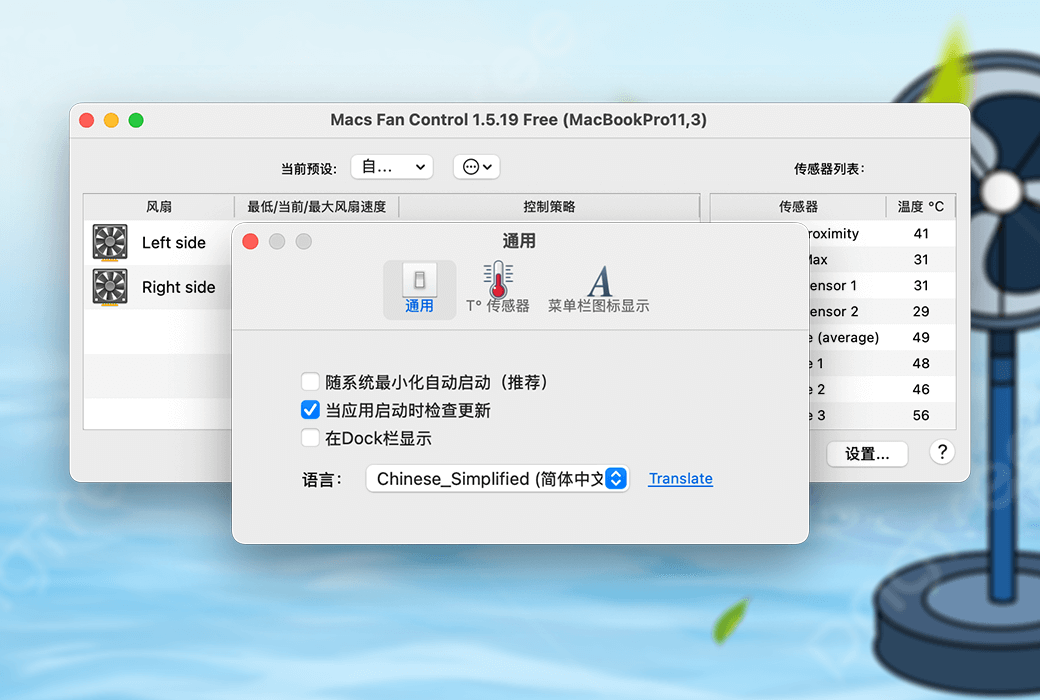
Interface language:Supports Chinese interface display, with multiple languages available.

Update instructions:The software manufacturer promises to use it permanently and provide free updates.

Pre purchase trial:Free version with limited functionality before purchase.

How to receive the goods:After purchase, the activation information will be sent to the email address at the time of placing the order, and the corresponding product activation code can be viewed in the personal center, My Orders.

Number of devices:Can install 1 computer.

Replacing the computer:Uninstall the original computer and activate the new computer.

Activation guidance:To be added.

Special instructions:The Windows version only supports dual system Windows systems installed on Apple computers.

reference material:https://crystalidea.com/macs-fan-control/buy

Ask a question
All FAQ Default Newest
Macs Fan Control controls the fan tool software on Apple computers截图 Macs Fan Control controls the fan tool software on Apple computers截图 Macs Fan Control controls the fan tool software on Apple computers截图 Macs Fan Control controls the fan tool software on Apple computers截图 Macs Fan Control controls the fan tool software on Apple computers截图 Macs Fan Control controls the fan tool software on Apple computers截图 Macs Fan Control controls the fan tool software on Apple computers截图 Macs Fan Control controls the fan tool software on Apple computers截图 Macs Fan Control controls the fan tool software on Apple computers截图

Bargaining

Reference price: ¥{{ random.sku_info.price }}
Let's go~~ (Surplus {{ random.surplus_num }} times)
Pay and leave