APSGO LOGO
Combination
x1
Total Price:
View Cart
No APPS available
件
Cart
Home Overview Uninstall Tool 3 Powerful Uninstallation and Cleaning Tool Software
Uninstall Tool
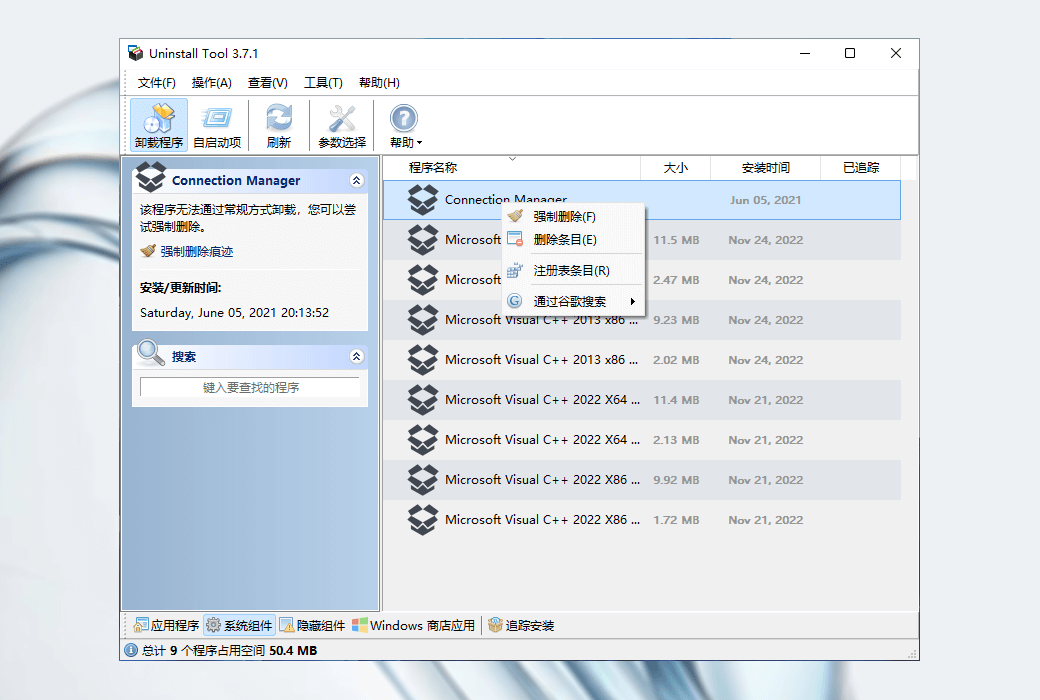
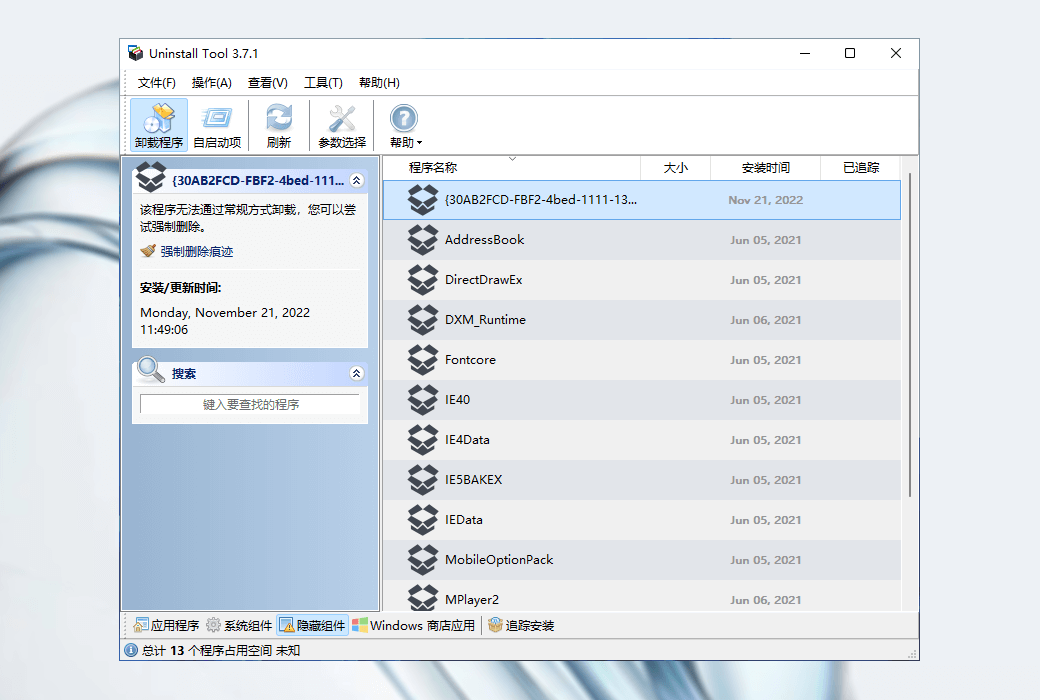
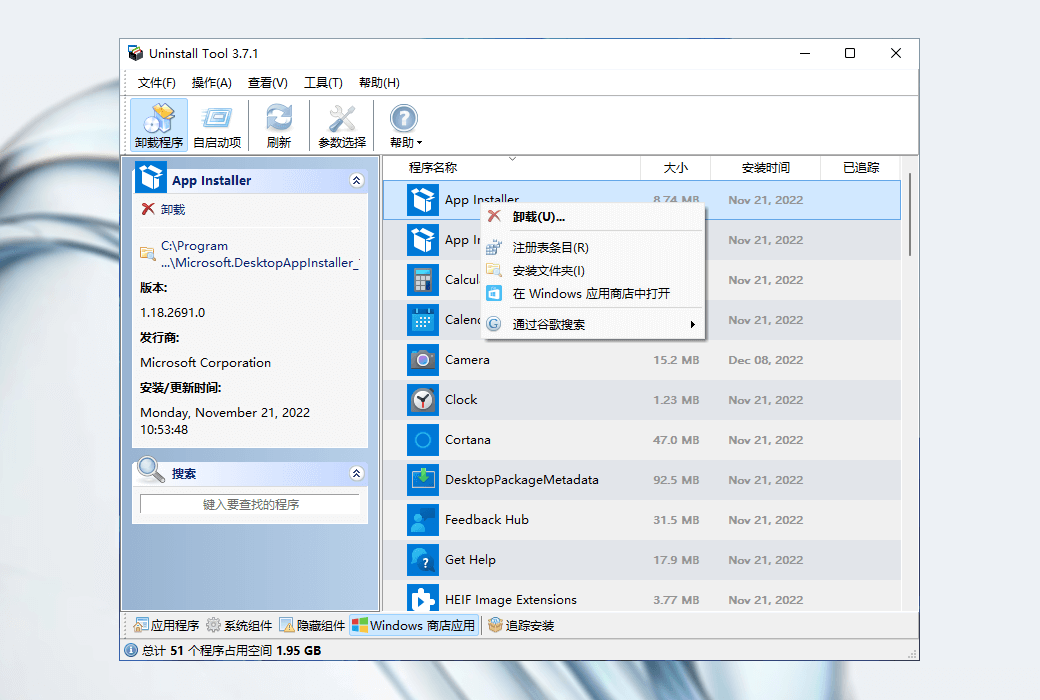
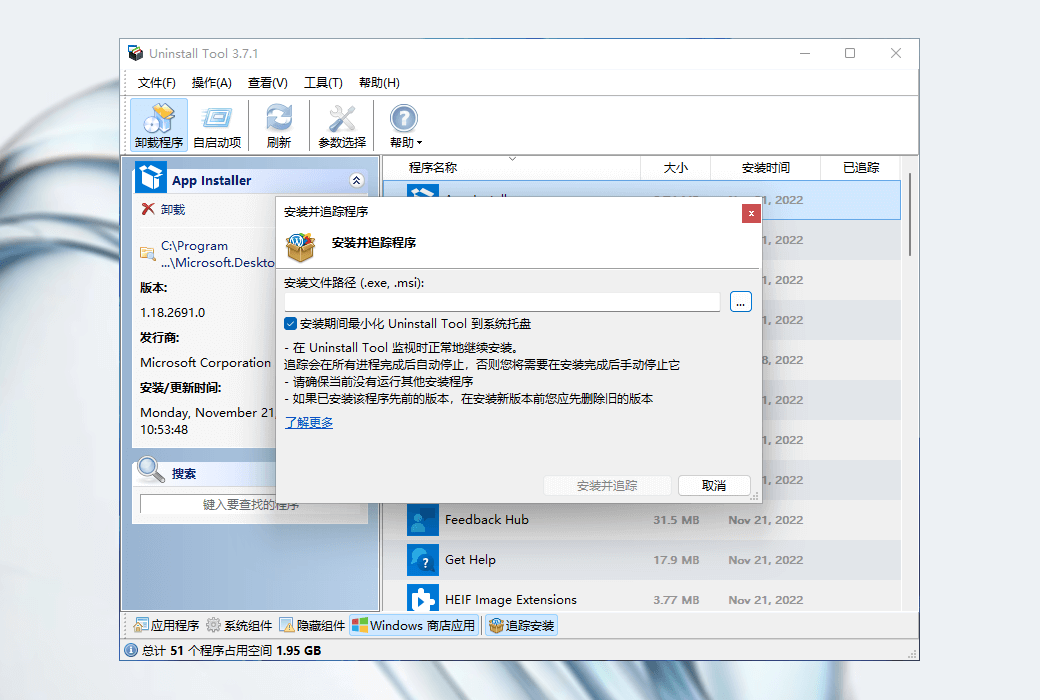
Uninstall Tool 3 Powerful Uninstallation and Cleaning Tool Software截图 Uninstall Tool 3 Powerful Uninstallation and Cleaning Tool Software截图 Uninstall Tool 3 Powerful Uninstallation and Cleaning Tool Software截图 Uninstall Tool 3 Powerful Uninstallation and Cleaning Tool Software截图 Uninstall Tool 3 Powerful Uninstallation and Cleaning Tool Software截图 Uninstall Tool 3 Powerful Uninstallation and Cleaning Tool Software截图 Uninstall Tool 3 Powerful Uninstallation and Cleaning Tool Software截图 Uninstall Tool 3 Powerful Uninstallation and Cleaning Tool Software截图 Uninstall Tool 3 Powerful Uninstallation and Cleaning Tool Software截图 Uninstall Tool 3 Powerful Uninstallation and Cleaning Tool Software截图
Download
Uninstall Tool 3 Powerful Uninstallation and Cleaning Tool Software
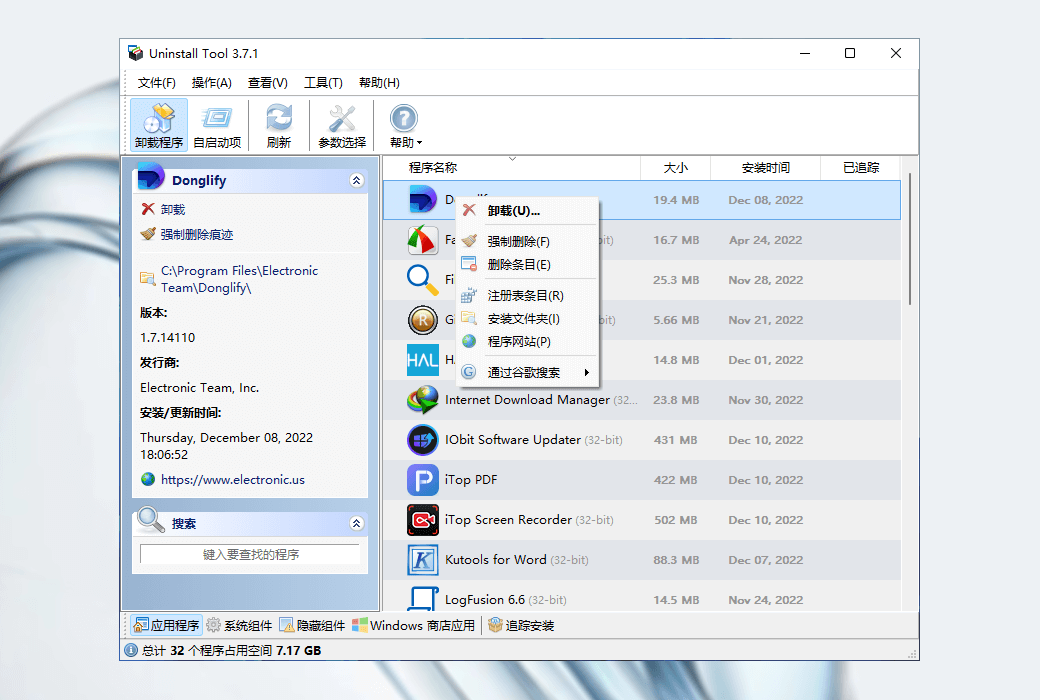
Quick and powerful uninstallation and cleaning software that can completely and completely remove installed software. Completely remove unnecessary applications and install monitors in real-time. Control the applications that run at system startup.

{{ item.spec_option }}

{{ item.spec }}

System

¥{{ random.sku_info.price }}

Reference price

Bargaining Rules:
1、Activity time : cease when sold out。
2、This product supports bargaining times for each ID:3 次
3、Each product only supports one successful negotiation, with an additional one for annual membership fees.
4、 After successful negotiation, pay the order according to the negotiated amount.
Reference price: ¥{{ random.sku_info.price }}
The number of bargaining attempts has been exhausted Successfully negotiated! Go place an order! Price negotiation completed I Want to Haggle
{{ item }} ({{ app.qa.questionsData.total }})

Quick and powerful uninstallation and cleaning software that can completely and completely remove installed software


  1. Completely remove unnecessary applications.
  2. Install the monitor in real-time.
  3. Control the applications that run at system startup.


Use effective, powerful, and easy-to-use Windows applications to remove unnecessary software, making your computer clean and faster.


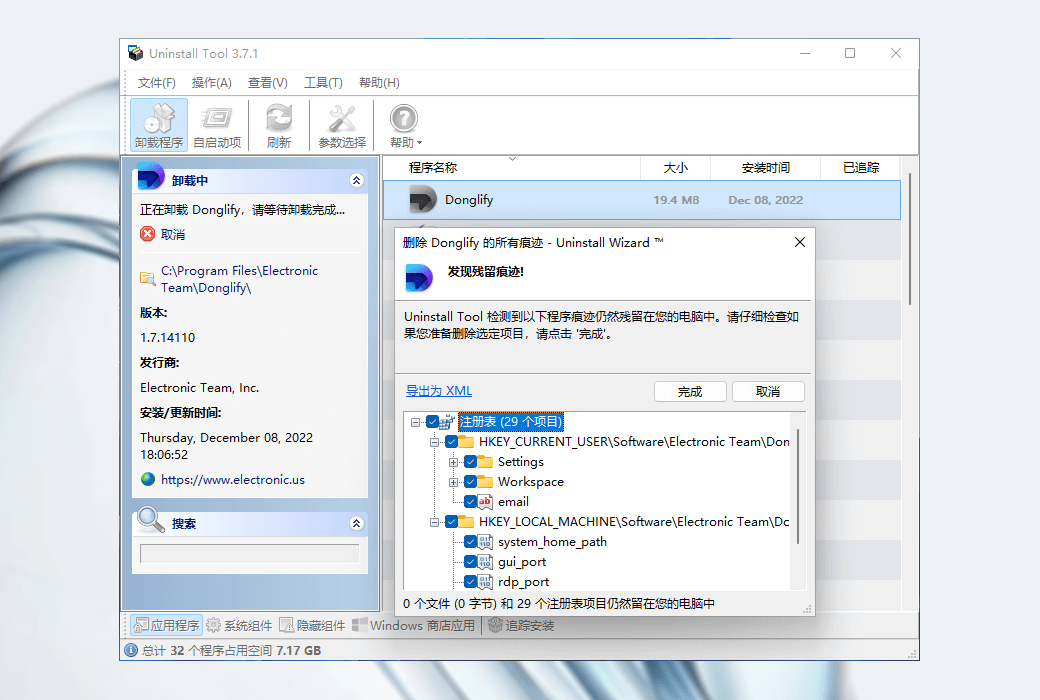
  1. Uninstall Wizard

Completely remove unwanted software by deleting the remaining file system and registry entries


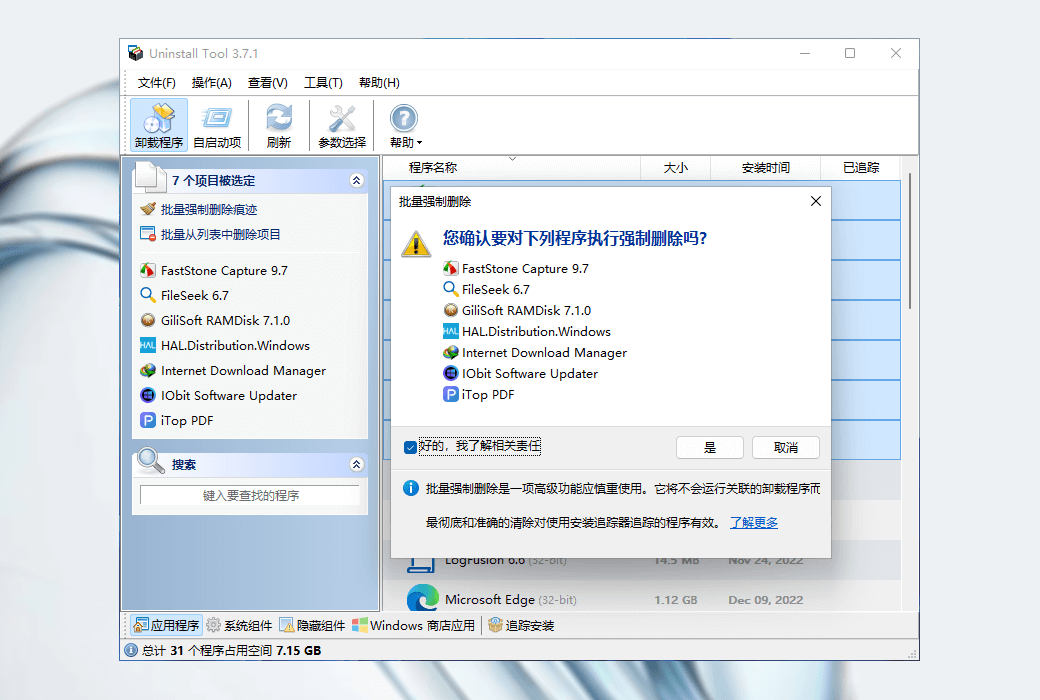
  1. Batch Uninstaller

Uninstall or perform forced deletion of multiple selected applications


  1. Forced removal

Uninstalling stubborn applications that cannot be removed using standard uninstallers


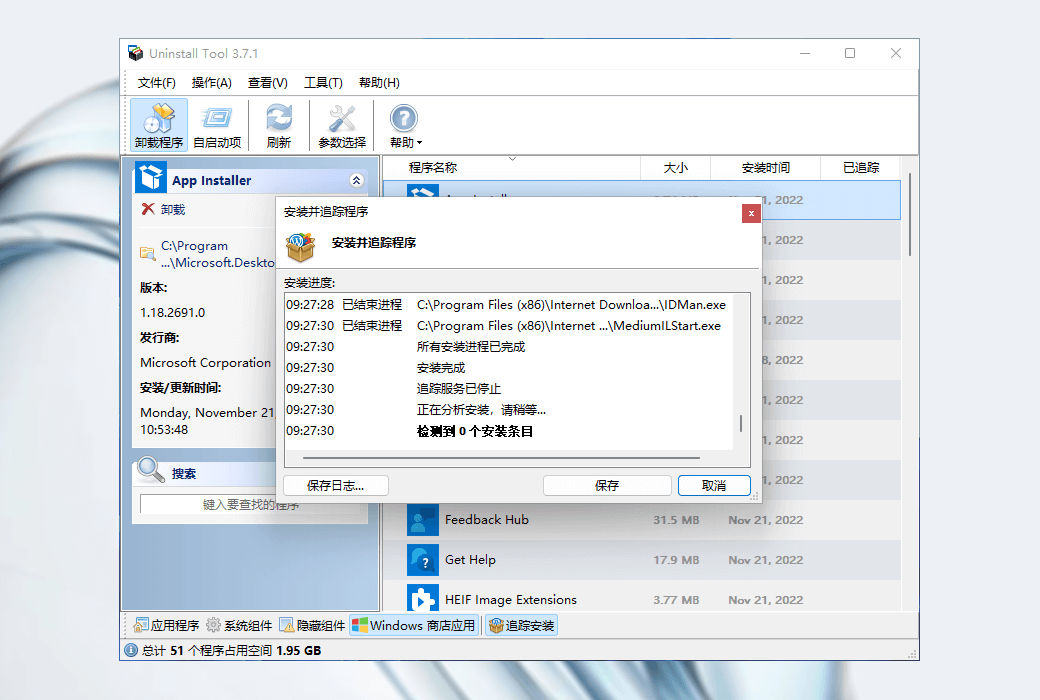
  1. Installation Moniter

Use real-time tracking to install applications. View and record created files/registry entries


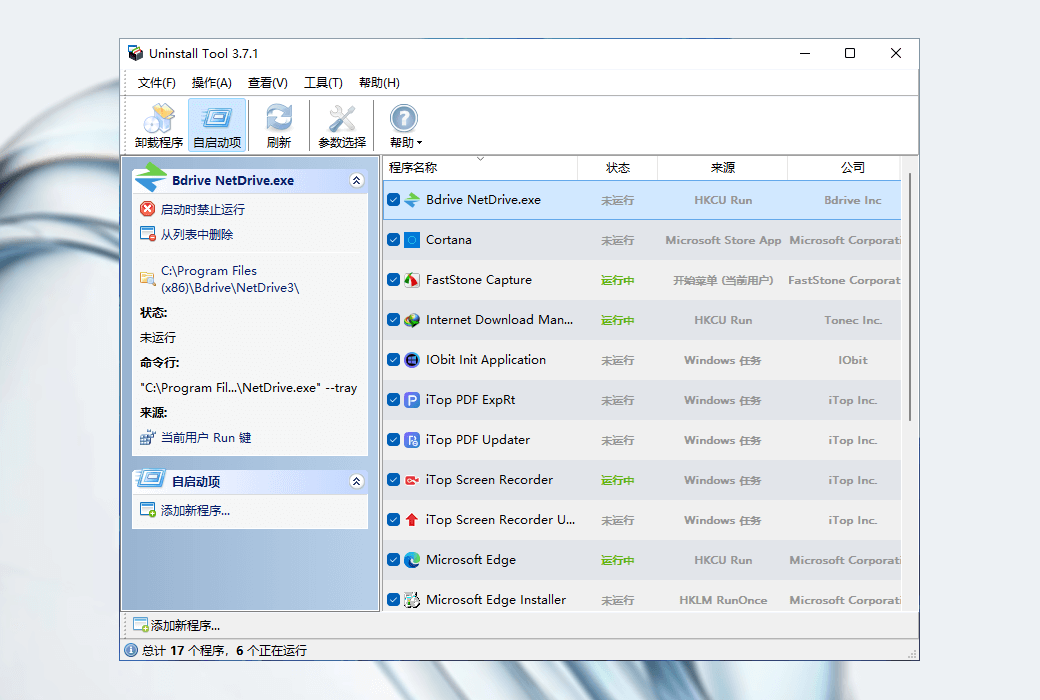
  1. Launch Manager

Find, add, or delete applications that automatically start when Windows starts


Program group


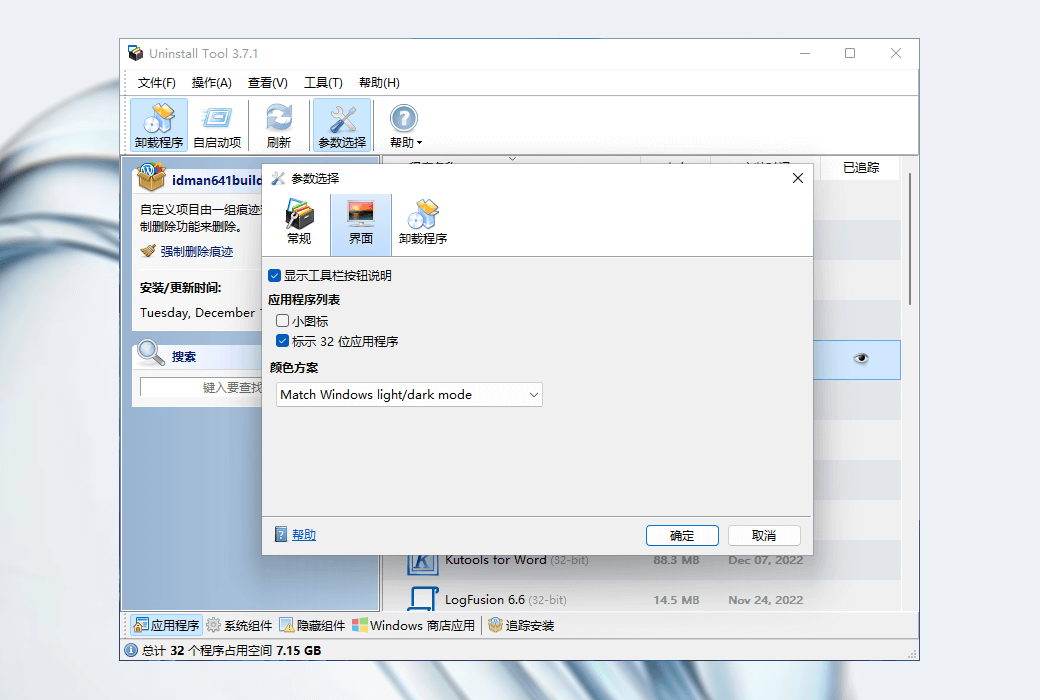
  1. application

Desktop applications


  1. system

Updates and components, mainly from Microsoft


  1. Hidden

Hidden items, these items are not designed to be unloaded


  1. Windows Store App Store Apps

Windows Store apps on Windows 8 and above


Difference in authorized versions:


  1. Standard License

The standard license is based on each PC and requires the purchase of as many copies as needed to use it.


  1. Portable License

A portable license is designed specifically for a single user to use on multiple computers. Portable mode does not require installation and can be directly started. It can be started from a USB drive.

Official Website: https://crystalidea.com

Download Center: https://uninstall-tool.apsgo.cn

Delivery Time: Automatic delivery within 24 hours

Operating Platform: Windows

Interface Language: Supports Chinese interface display, with multiple languages available.

Update Instructions: This version is valid for life and supports minor version updates (v3.x)

Trial Before Purchase: A limited free version is available for use before purchase.

How to Receive Your Product: After purchase, activation information will be sent to the email address used for the order. You can also view the corresponding product activation code in your personal center, under "My Orders".

Number of Devices: Can be installed on 1 computer.

Changing Computers: Uninstall on the original computer and activate on the new one.

Activation Guide: To be added.

Special Instructions: Integrated with official API for automatic delivery. The email address serves as both the username and registration code for activation on the software. Key retrieval is supported through the official website.

References: https://crystalidea.com/uninstall-tool/buy

Ask a question
All Vent FAQ News Activate Tutorial Default Newest
Uninstall Tool 3 Powerful Uninstallation and Cleaning Tool Software截图 Uninstall Tool 3 Powerful Uninstallation and Cleaning Tool Software截图 Uninstall Tool 3 Powerful Uninstallation and Cleaning Tool Software截图 Uninstall Tool 3 Powerful Uninstallation and Cleaning Tool Software截图 Uninstall Tool 3 Powerful Uninstallation and Cleaning Tool Software截图 Uninstall Tool 3 Powerful Uninstallation and Cleaning Tool Software截图 Uninstall Tool 3 Powerful Uninstallation and Cleaning Tool Software截图 Uninstall Tool 3 Powerful Uninstallation and Cleaning Tool Software截图 Uninstall Tool 3 Powerful Uninstallation and Cleaning Tool Software截图 Uninstall Tool 3 Powerful Uninstallation and Cleaning Tool Software截图

Bargaining

Reference price: ¥{{ random.sku_info.price }}
Let's go~~ (Surplus {{ random.surplus_num }} times)
Pay and leave